

Simple Timesheet Management for Modern Teams
Track time. Approve hours. Generate accurate reports.
InnoTimesheet helps companies manage employee time entries, approval workflows, project hours, and reporting in one simple platform.
Every plan begins with a 14-day trial and no card is required.
- No spreadsheets
- Configurable cycles
- Audit-ready records

Built for staffing, consulting, contractors, small businesses & enterprise teams
- Staffing Companies
- Consulting Firms
- Contractors
- Small Businesses
- Enterprise Teams
Time Tracking Should Not Be a Monthly Headache
InnoTimesheet brings structure, visibility, and accountability to the entire process — one secure, centralized system where employees submit, managers approve, and administrators report without chasing paperwork.
Centralized Time Submission
Employees submit weekly or biweekly hours in one secure system — no more spreadsheets, emails, or manual forms.
Faster Manager Approvals
Managers review, approve, reject, or request corrections, keeping the cycle moving without repeated follow-ups.
Payroll & Billing Readiness
Approved timesheets become clean reports for payroll, invoicing, client billing, and financial tracking.
From timesheet chaos to payroll clarity
A clear path for every hour — submitted, reviewed, approved, reported, and ready for payroll.
Employees Enter Time
Employees submit weekly or biweekly hours in one secure system — no more spreadsheets, emails, or manual forms.
- Hours worked for the selected date range, project, client, or assignment.
- A simple form for employees to submit hours across weekly, bi-weekly, and semi-monthly cycles.
Managers Review
Managers review, approve, reject, or request corrections, keeping the cycle moving without repeated follow-ups.
- Timesheets are approved or sent back for correction.
- Every timesheet has a status, owner, timestamp, and approval trail — you always know what is pending or missing.
Generate Reports
Approved timesheets become clean reports for payroll, invoicing, client billing, and financial tracking.
- Admins generate weekly, bi-weekly, or semi-monthly reports.
- Approved reports feed payroll, client billing, or management review.
Everything you need to manage timesheets
From entry to approval to export — a complete, structured workflow for accurate time reporting.
Timesheet Entry
A simple form for employees to submit hours across weekly, bi-weekly, and semi-monthly cycles.
Approval Workflow
Review, approve, reject, or request corrections with a clear trail before reports are generated.
Weekly & Semi-Monthly Reports
Generate clean reports by cycle — 1st–15th, 16th–end of month, or any week start date.
Project & Client Tracking
Track hours by project, client, department, or assignment for billing and utilisation.
Notifications & Reminders
Nudge employees on missing timesheets and alert managers to pending approvals automatically.
Audit Trail
Track who submitted, reviewed, approved, rejected, or modified every record.
Designed for staffing, consulting & contractor management
Ideal for companies managing consultants, contractors, remote employees, and client-based assignments — where accurate time reporting drives client billing, employee payment, and internal tracking.
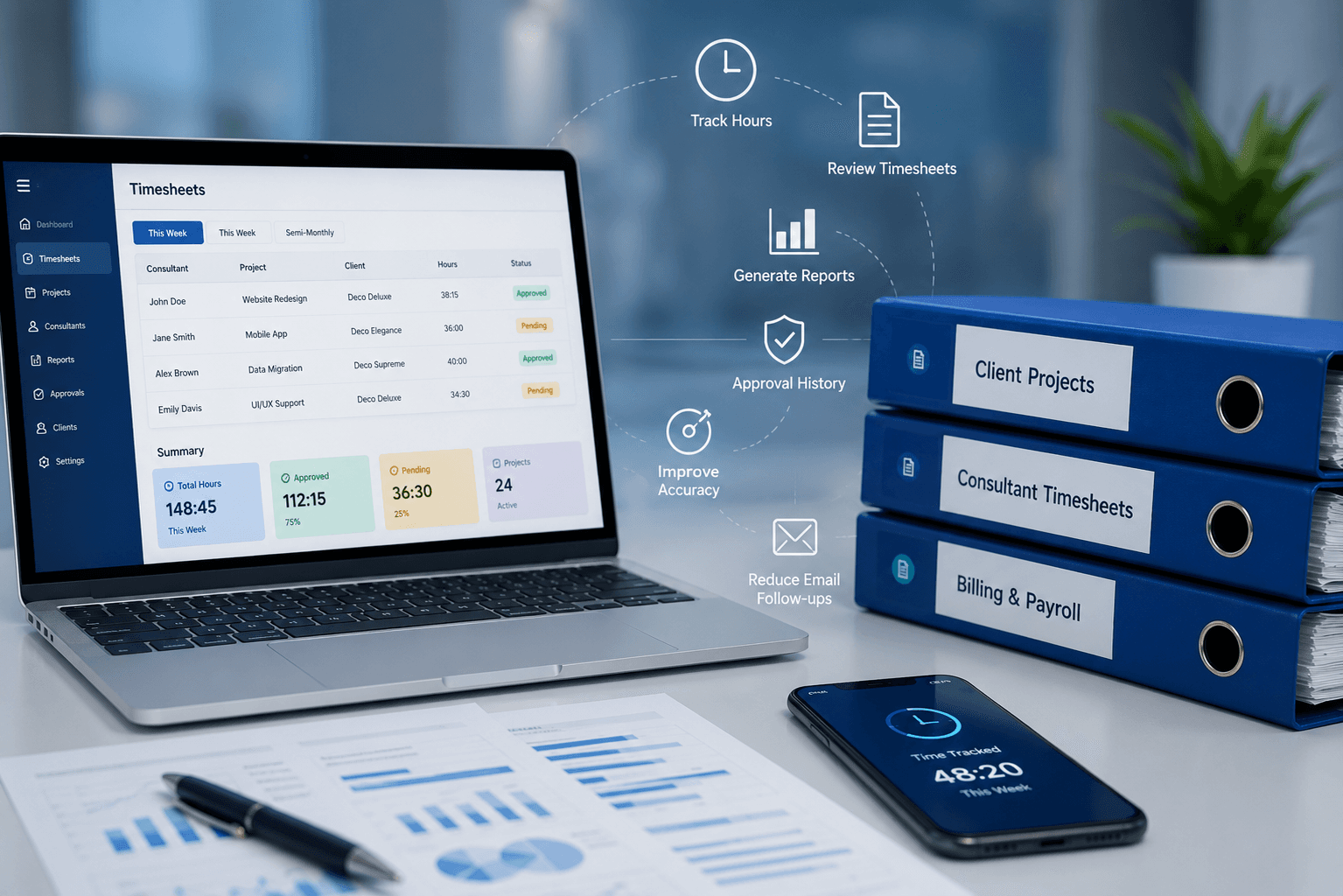
- Track consultant hours by client or project
- Review weekly or semi-monthly timesheets
- Generate reports for billing and payroll preparation
- Maintain complete approval history
- Reduce manual email follow-ups
- Improve reporting accuracy
Predictable plans, honest limits
Start with Starter for small teams, upgrade to Pro when workflows matter, and go Enterprise for SSO and dedicated support.
Every plan begins with a 14-day trial and no card is required.
- Secure Cloud
- Role-Based Access
- Audit Trail
- Payroll Ready
Do I need a credit card to start?
No. Every plan begins with a 14-day trial and no card is required.
Can I switch plans later?
Any admin can change plans from Settings → Subscription. Downgrades take effect at the end of the current billing period.
How does per-seat billing work?
You pay for active users only. Invited users don't count until they accept.
Is there a discount for annual billing?
Annual pricing includes two months free vs. monthly.
Ready to simplify timesheet management?
Start managing employee time, approvals, and reports from one secure platform. Eliminate manual follow-ups and make every hour count.